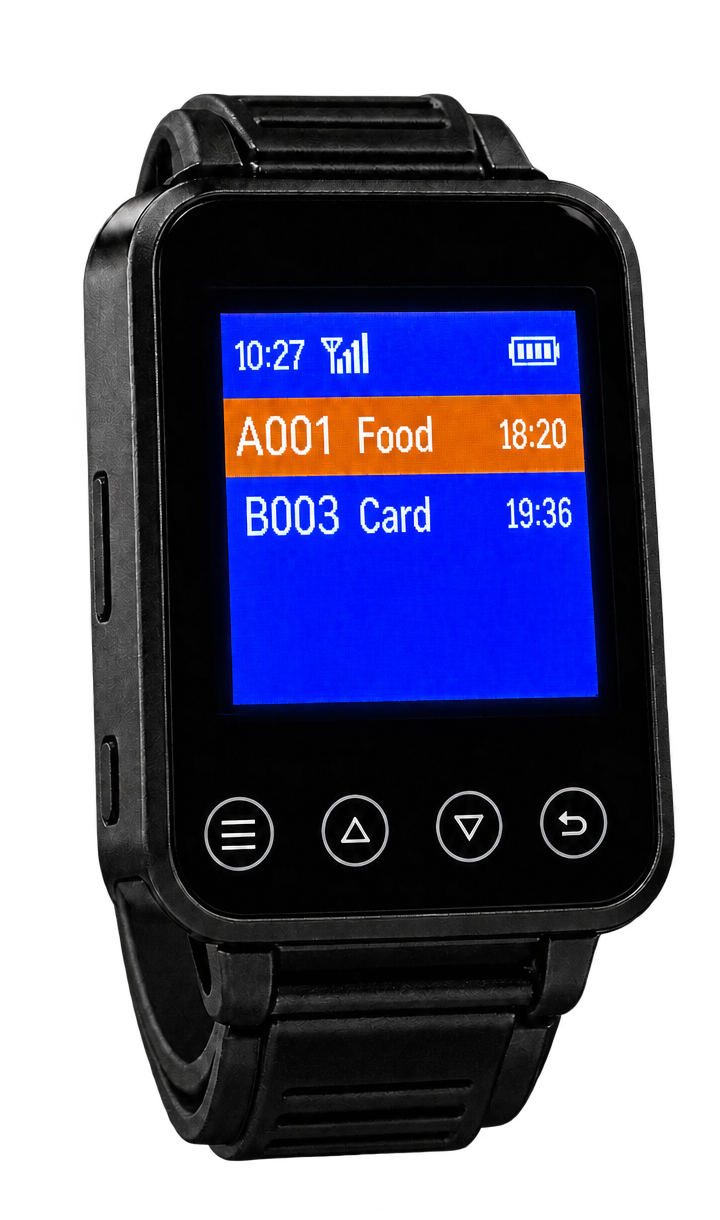
Pager watch
Table number and request on your wrist.

At the touch of a button, guests let your service team know what they need: drinks, food, the bill or personal assistance. The call appears with the table number on the pager watch and monitor. The kitchen can also notify the service team directly by radio.
The signal carries the table number and assigned call function, rather than a detailed order listing individual dishes or drinks.
One button press reaches the watch and monitor.
Table number and request on your wrist.
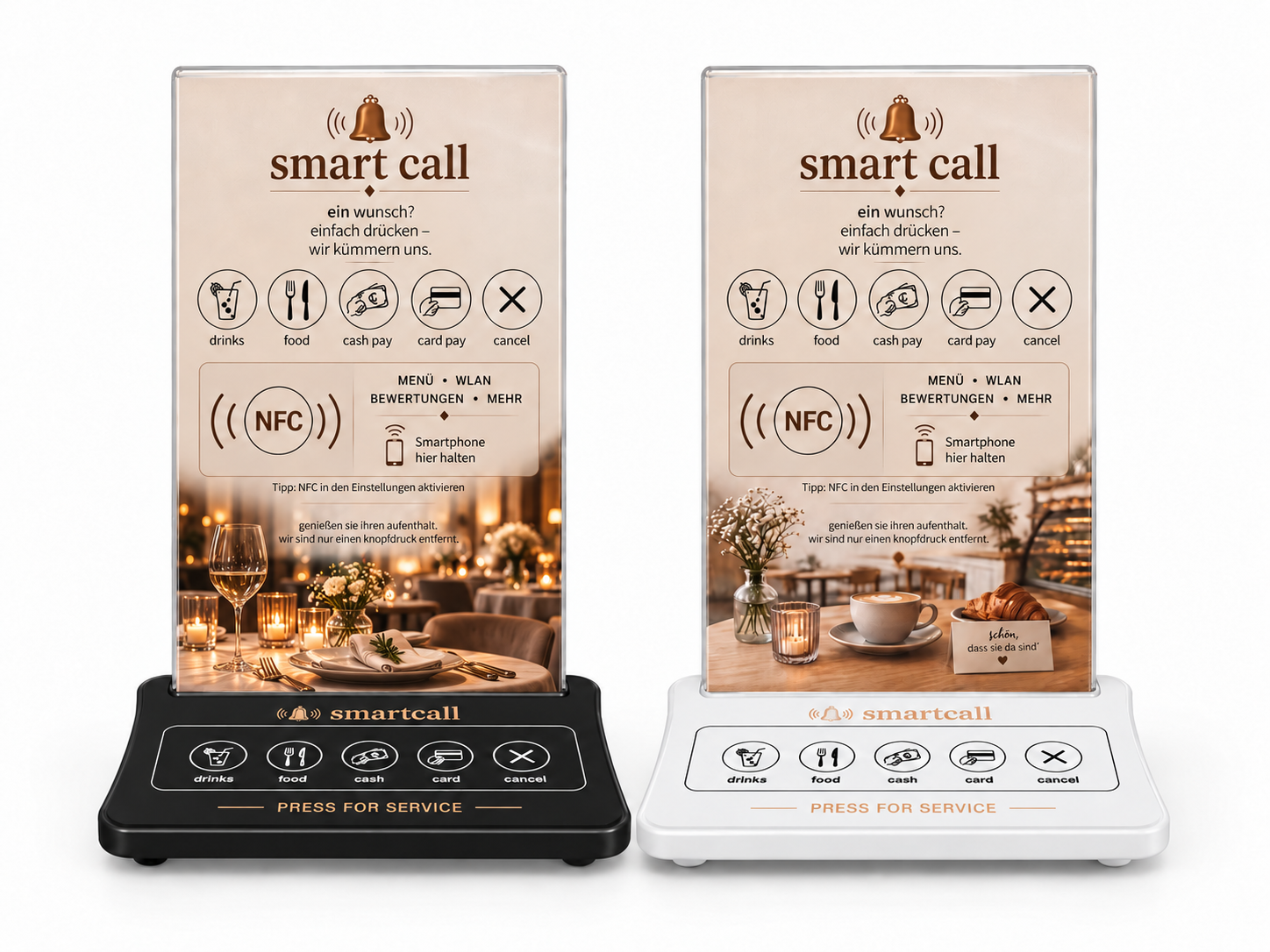
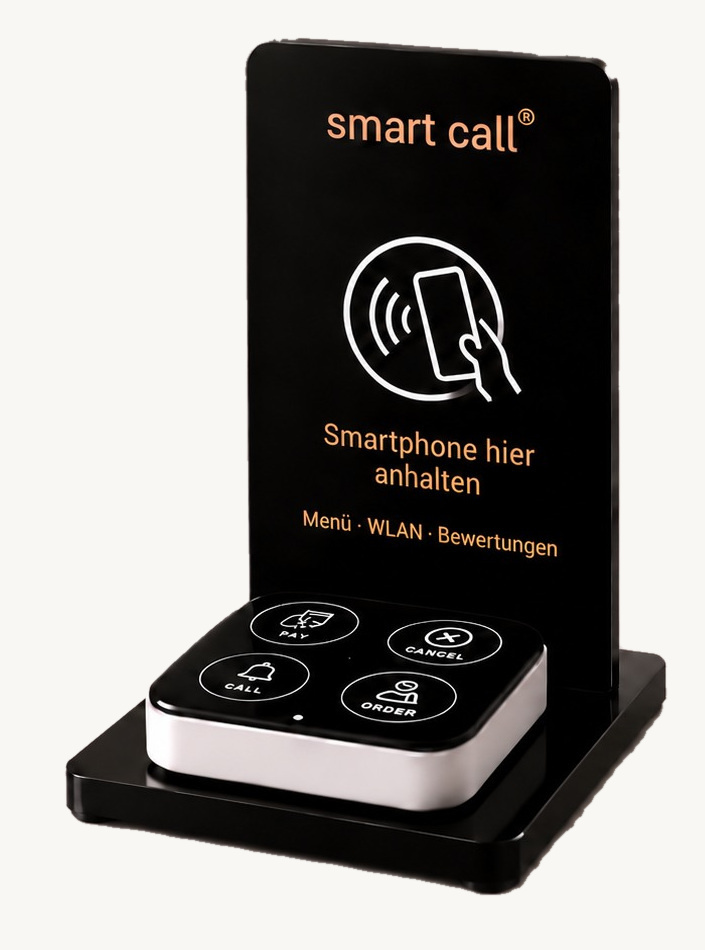
The guest presses the relevant button.
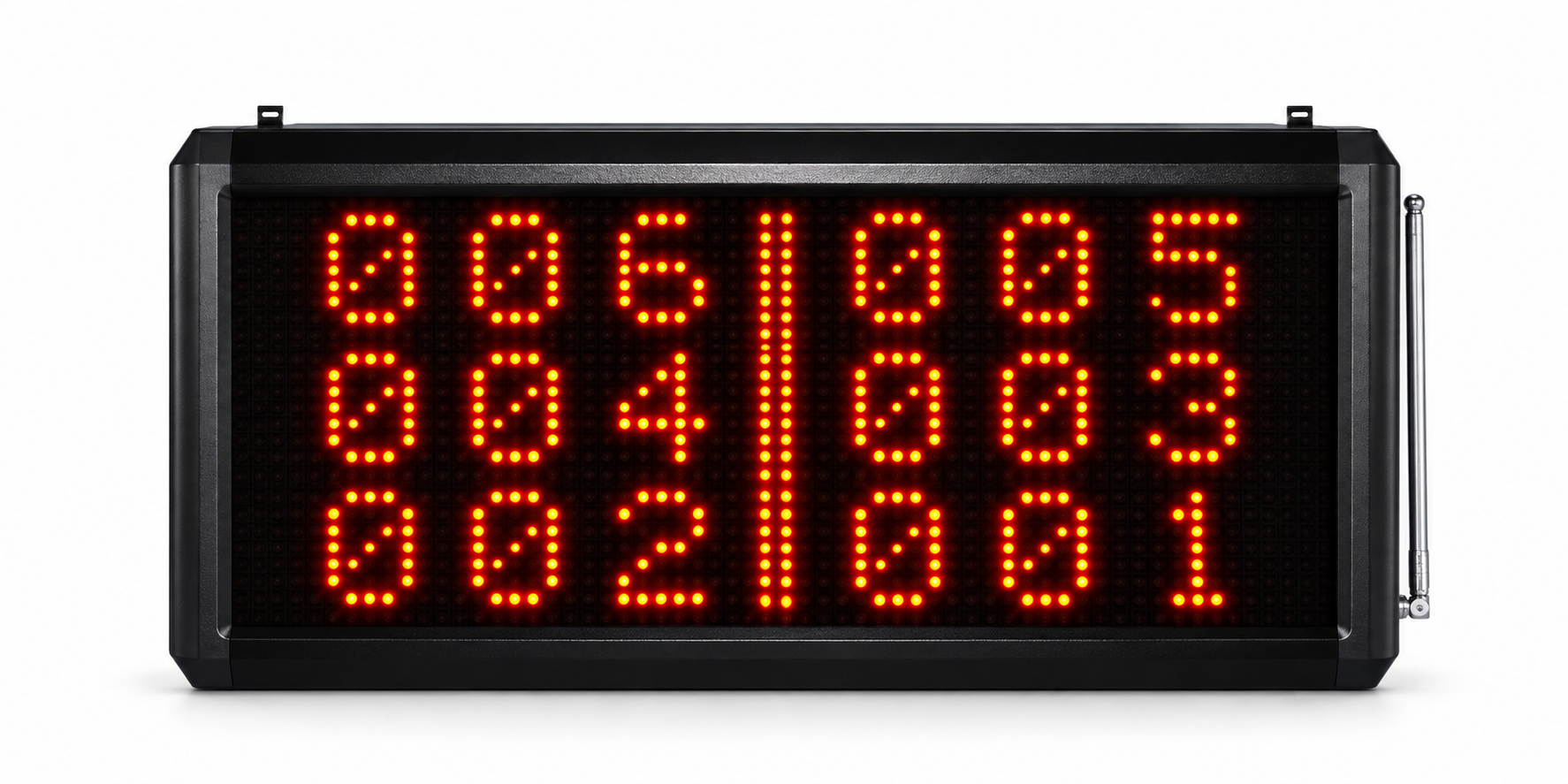
Table number and call centrally visible; voice announcement depending on settings.
The kitchen can call the service team directly by radio.
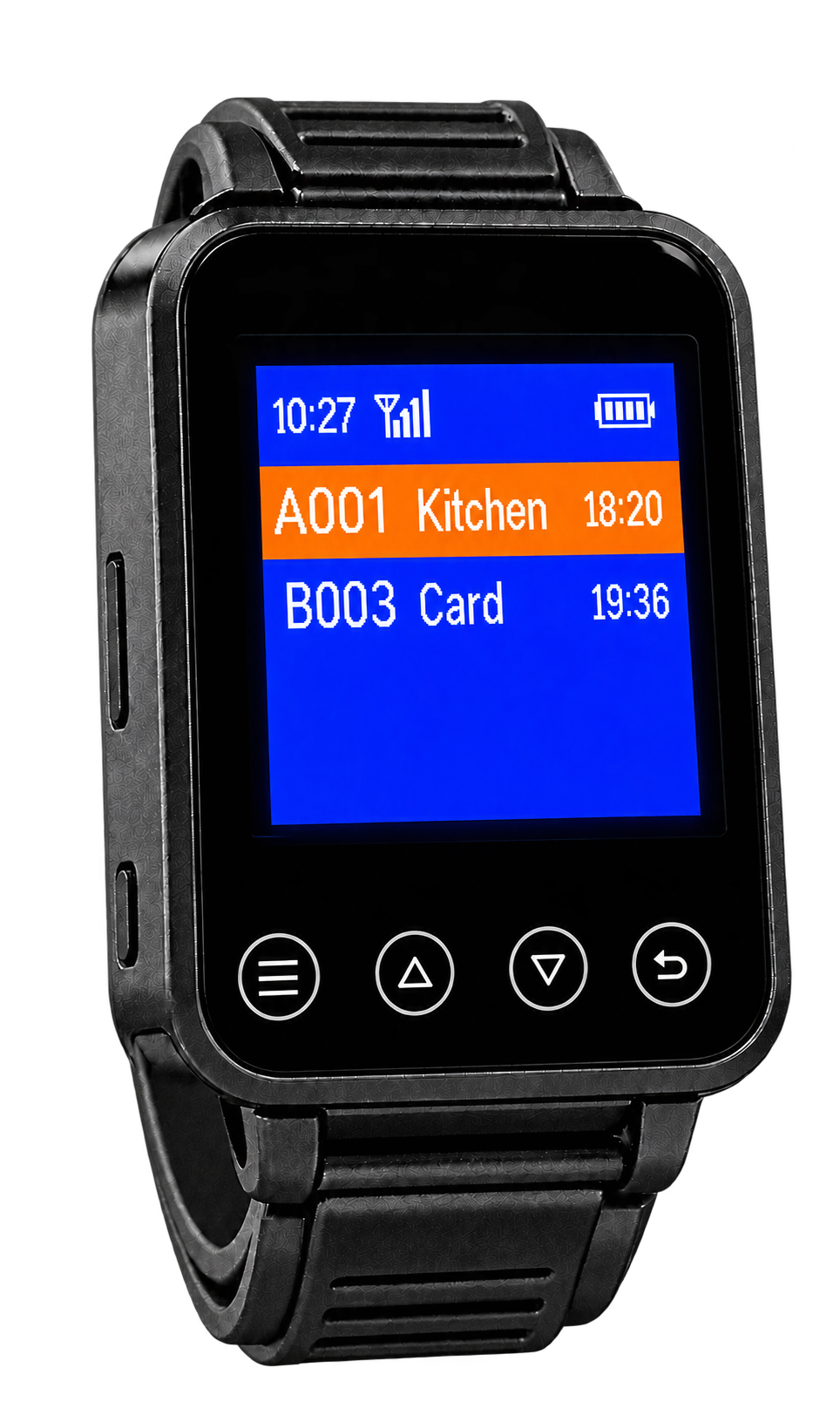
The team receives kitchen calls on the wrist.
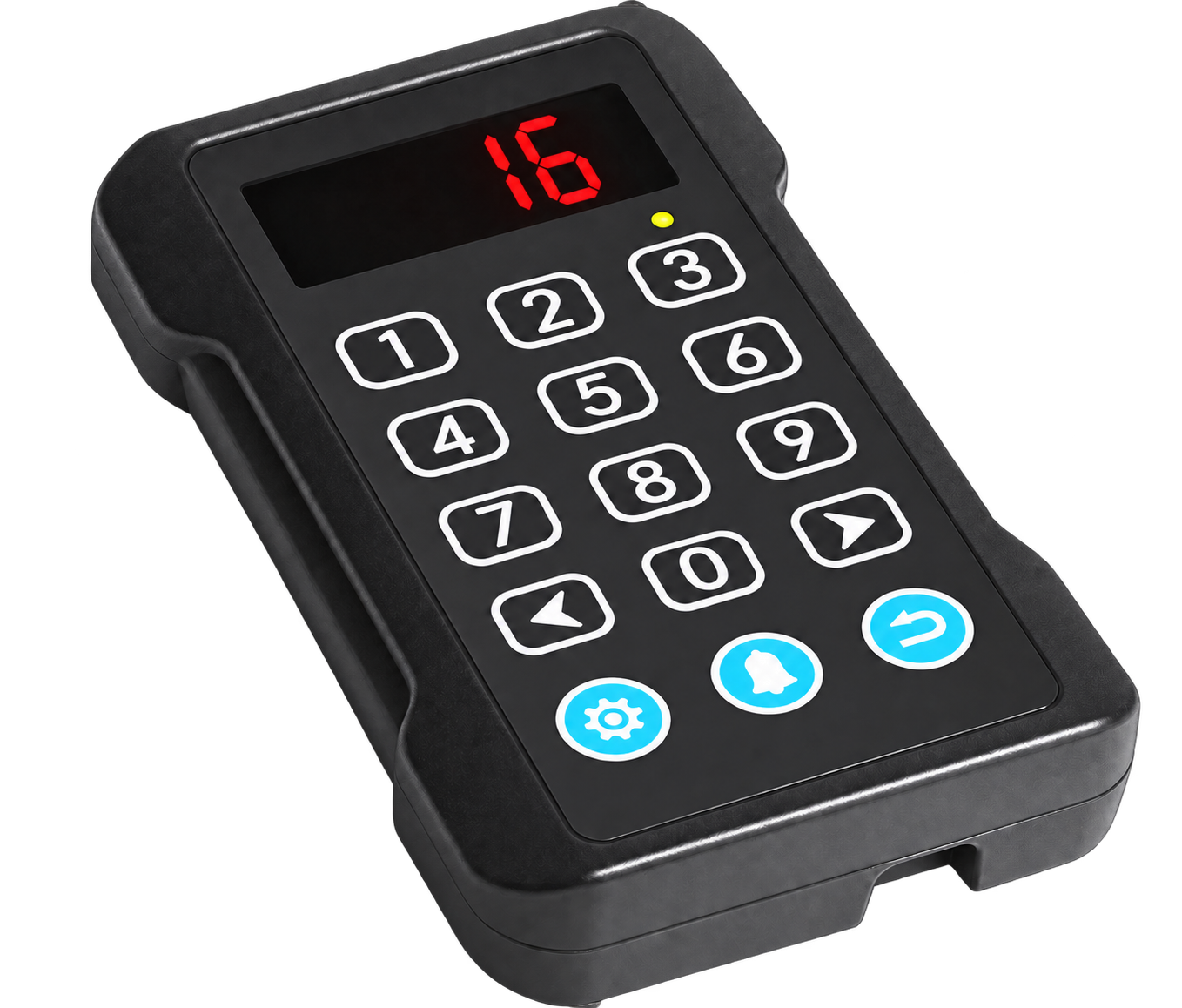
The kitchen sends a call to the service team.
Kitchen calls centrally visible; voice announcement depending on settings.
The displays are examples. Call numbers and functions are assigned during setup.
With an NFC-enabled smartphone, guests can open the menu, daily specials or further information. They hold their phone against the marked area of the insert and tap the displayed link. Linked content can be selected for your business.
NFC opens content on the smartphone. The call buttons independently transmit their signals by radio to the watch and monitor.
From a guest’s request to the service notification: watch the devices working together in this short film.
We advise you on choosing your call system and help you set it up and use it. After your purchase, we remain your personal point of contact for questions and expanding your system.
We advise you on selecting devices for your business.
Components and call functions are assigned appropriately.
Your team learns how to use the system and adjust the key settings.
We are here to help with questions about use or future expansion.
Our new devices are covered by a two-year statutory warranty from handover. If you have questions or discover a defect, contact us directly.
Adjust the inputs to suit your venue and explore an illustrative scenario.
This simulation requires JavaScript. Please open the private test site in Safari. Interactive results cannot be displayed without JavaScript.
Good service can encourage them.
Good service can encourage guests to leave positive reviews.
The values shown come from a simplified illustrative calculation. They are not measured Smart Call results or a forecast or guarantee for your venue. No percentages are calculated for staff efficiency or table occupancy.
Less waiting: Direct calls can help your team notice requests sooner and reduce unnecessary waiting.
More tips: Attentive, personal service may encourage guests to leave a tip.
More tables per waiter: More focused communication can help your team keep track of several tables.
More positive reviews: A pleasant service experience may encourage guests to leave a positive review.
Faster and more efficient: Clear call signals can make team coordination easier and help avoid unnecessary trips.
Better table occupancy: Smoother service can help your team prepare tables promptly for the next guests.
You can calculate the cost of your set and potential time savings separately in the following calculator, using your own figures.
Calculate the cost of your set and potential time savings using your own figures. The preset values are an example you can change.
The interactive calculator has not been activated in this view. Please open the preview in a browser with JavaScript enabled. The starting values shown are an example only.
Equipped: of tables.
All prices exclude VAT.
Assumption: one table call button serves one table. Extra table call buttons are included in the price but do not increase the equipped table count beyond the total number of tables. Changing the table count does not add any devices.
Actual cost savings are possible only if paid working hours or overtime are reduced. With the same staffing schedule, this is time your team can spend looking after guests.
Illustrative calculation based on your inputs and assumptions. Actual results depend on conditions and how work is organised and are not guaranteed.
These inputs are too large for a reliable calculation. Please enter smaller values.
The Smart Call wireless call system works without Wi-Fi or an internet connection. To open an online menu or website via NFC, a guest’s smartphone needs internet access through Wi-Fi or mobile data. Reading the NFC tag itself does not require an internet connection.
Our instructions explain the pairing process step by step.
Yes! All Smart Call devices are waterproof. The system is suitable for terrace service and helps guests reach your team even when their waiter is in another dining area. We help you choose a configuration that suits the distances and layout of your venue.
Yes. You can start with a small Smart Call set and gradually add compatible devices as your venue’s needs grow. We will help you choose the right combination.
Yes. If you have questions while pairing or setting up your devices, contact us. We will help you understand the process and work through the steps.
Get in touch through our contact form, by email or by phone. We will help you choose a set and agree on the order and delivery details with you. As a guide, allow around one week for items in stock and around three weeks if we need to order the quantity you require. We confirm the exact delivery time, shipping method and cost individually, taking account of the order size and destination.