01
Keep several calls in view
The monitor displays six calls at once in one screen group. When there are more calls, it switches between groups; the switching interval is adjustable.
The LED display shows incoming calls and alerts your team with an adjustable sound signal. Voice announcements are also available.
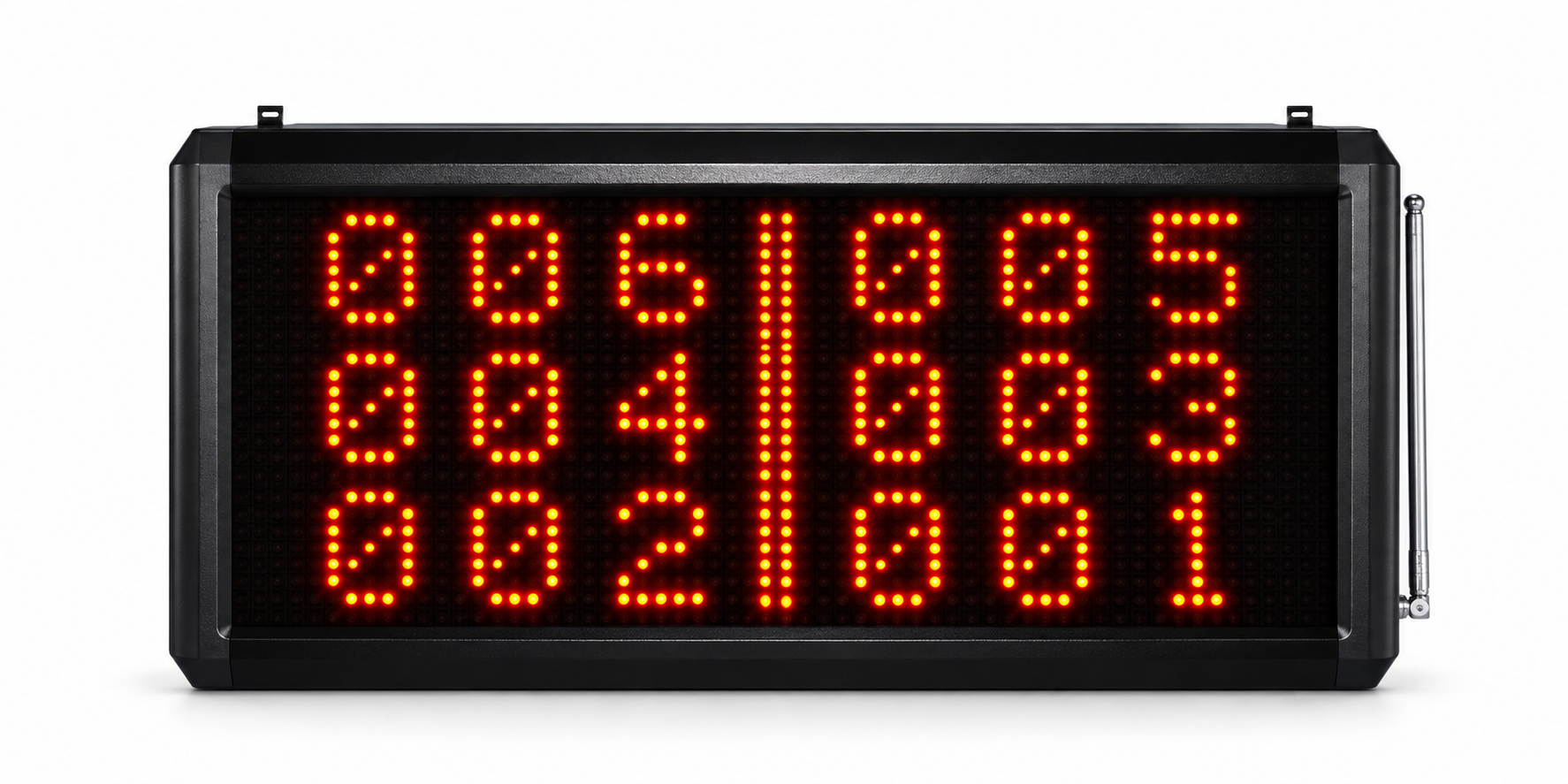
See call numbers centrally and adapt notifications to your daily workflow.
The monitor displays six calls at once in one screen group. When there are more calls, it switches between groups; the switching interval is adjustable.
Choose from various tones and voice announcements. Volume and repetitions are adjustable.
Pair transmitters and assign call numbers. Several transmitters can share a number.
In standby, the monitor shows the time. When calls arrive, it switches to the call display.
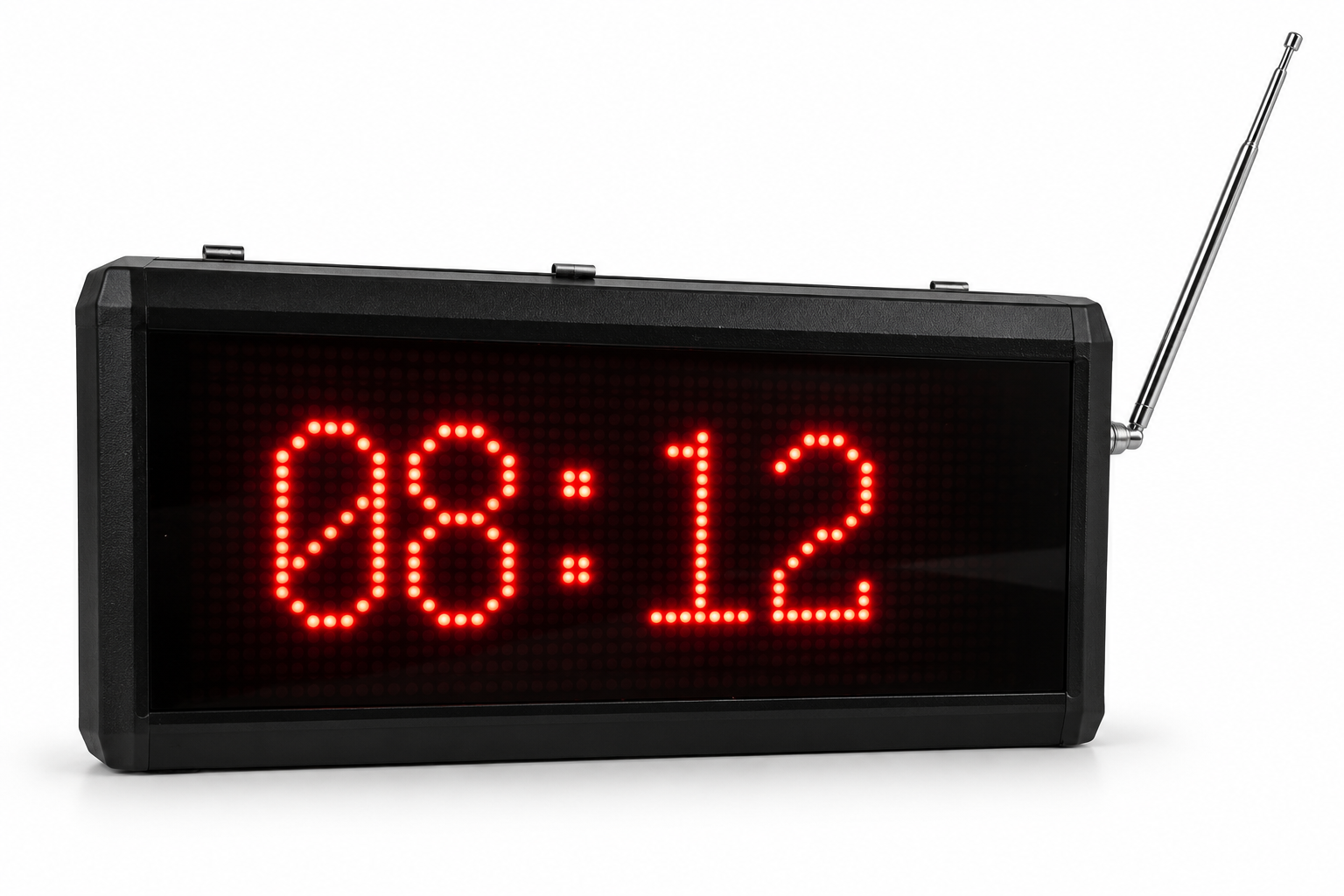
Set the key functions directly on the device.
Set up the monitor: quick-start guide →Use UP / Vol+ to increase and DOWN / Vol− to decrease volume. There are 16 levels in total.
Hold SET for about three seconds, choose “Set Number” and set the required call number. Then press the transmitter button and wait for successful assignment to be confirmed.
“Cycle Time” controls switching between display groups. “Clear Time” controls automatic clearing. The D311 manual used for these instructions specifies 1–999 seconds and a factory setting of 180 seconds. At 999, calls are cleared manually with RST. Check the setting on your supplied device.
Choose the required notification under “Prompt Music”. “Play Count” sets repetitions from 1 to 999; the factory setting is two.
We advise you on the right combination of table call buttons, pager watches and monitor.
Enquire with no obligation